

Print Success at RadCap
Getting your files print-ready is essential to ensure your final product turns out exactly as you envision. Whether you’re printing business cards, flyers, posters, or custom apparel, we’ve created this checklist to help you avoid common mistakes and achieve the highest quality print every time.
General Guidelines for All Products
No matter what you’re printing, these file preparation guidelines apply to every product:
- File Format: Submit files in formats like PDF, EPS, AI, or high-resolution JPG/PNG. This ensures the files are high-quality and compatible with our print systems.
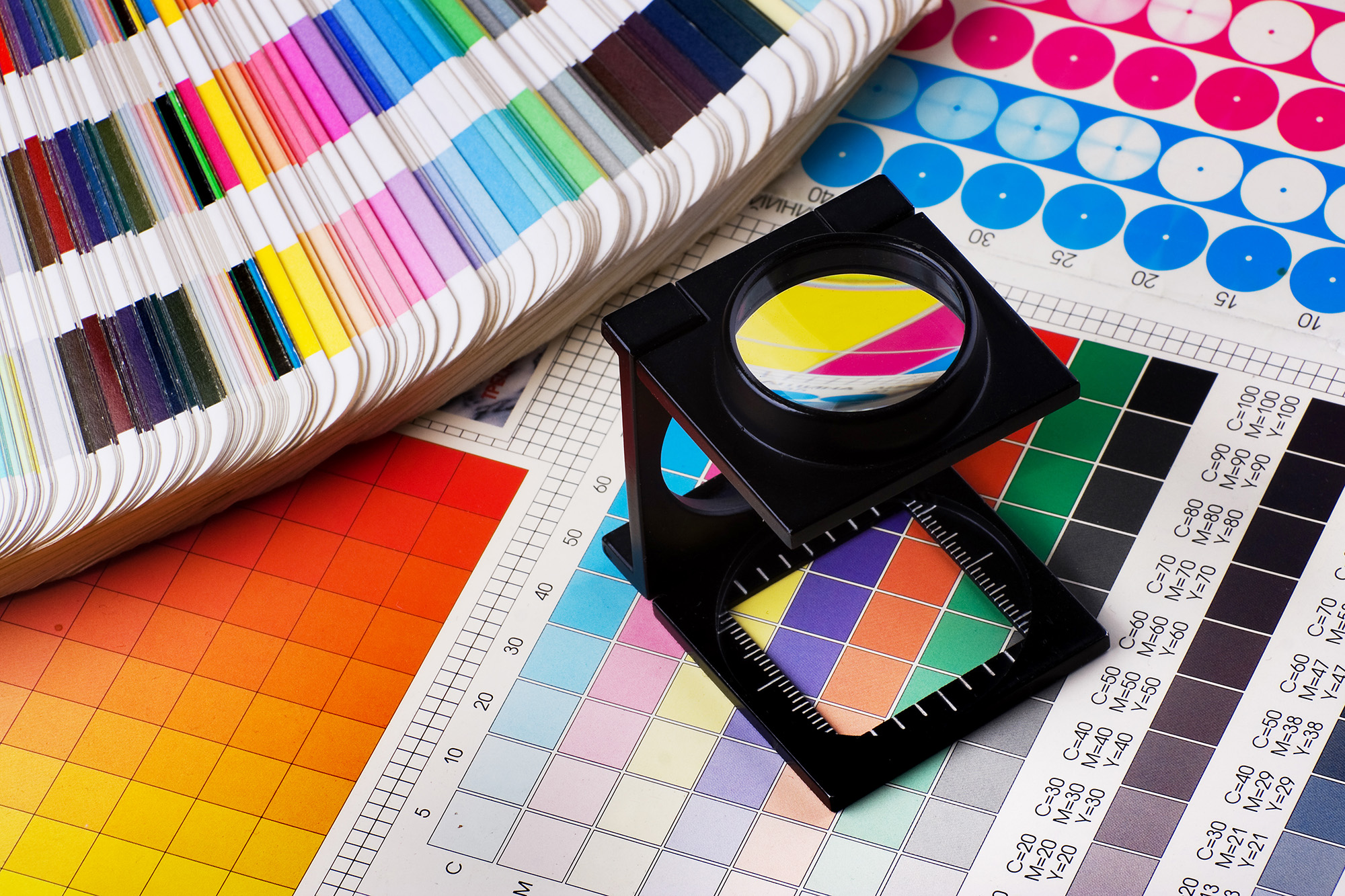
- Color Mode: Use CMYK (Cyan, Magenta, Yellow, Black) color mode. CMYK is optimized for printing, unlike RGB, which is for digital displays and may cause color shifts when printed.
- Resolution: Ensure images and graphics are at least 300 DPI (dots per inch) for clarity, especially for smaller prints like business cards. For larger formats, like banners, 150 DPI can suffice if the final product is viewed from a distance.
- Bleed and Margins: Always add a bleed of 0.125” (1/8 inch) on all sides to account for trimming. Keep important elements (text, logos) within a safe margin of at least 0.25” from the edge to avoid them being cut off.
- Fonts: Convert text to outlines or embed your fonts to prevent any issues with font substitution during printing.
- Linked Graphics: Make sure all linked images or graphics are embedded in the file to avoid missing content.
Business Cards, Flyers, and Brochures
When designing business cards, flyers, and brochures, precise file preparation is crucial to make sure your branding stands out. Here’s what to keep in mind:
- Trim Size: Ensure your design matches the trim size of your product (e.g., 3.5″ x 2″ for standard business cards). Check that your files have the correct dimensions, including bleed.
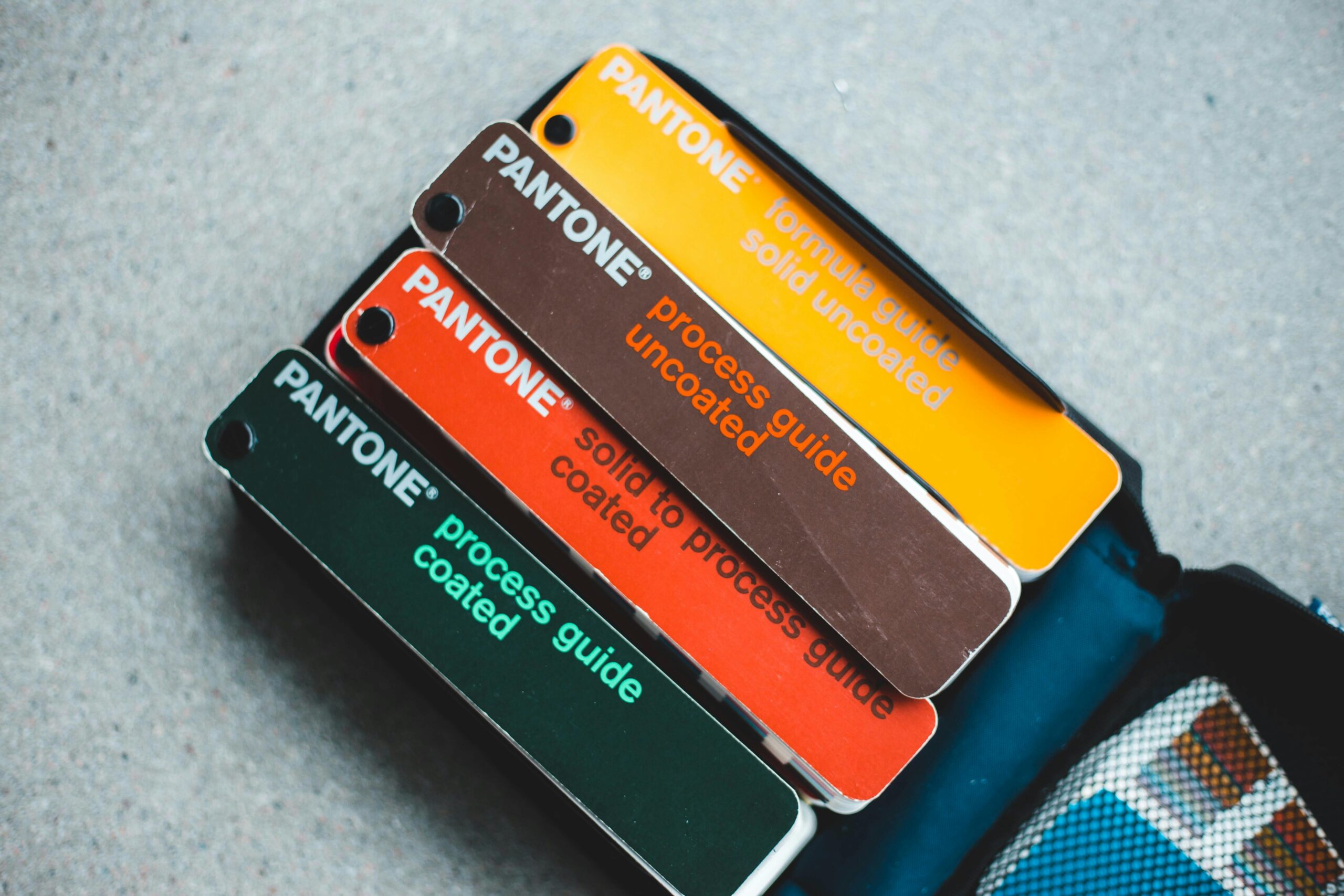
- Spot Colors: If your design includes spot colors (like Pantone colors) or special finishes (foil, embossing), make sure these are clearly defined in the file.
- Text: Double-check that all text is within safe margins, and avoid placing text too close to the edges to maintain readability after trimming.
T-Shirts and Apparel
Printing on fabric requires a bit more planning to achieve crisp and clean results. Here’s what to know for apparel design:
- Vector Files Preferred: For screen printing and embroidery, submit vector files (like AI or EPS) to ensure sharp edges and clean lines.
- Pantone Matching: If your design uses specific colors, consider using Pantone spot colors to ensure consistent color reproduction on fabric.
- File Size and Printable Area: Stick to the printable area size guidelines provided by the apparel product templates to ensure your design fits perfectly.
Calendars, Booklets, and Catalogs
When preparing files for multi-page items like calendars or catalogs, file organization and layout consistency are key:
- Binding Space: Account for binding by ensuring no critical elements (like text or images) are too close to the spine. Leave sufficient space for the binding margin.
- Facing Pages: Submit files as spreads (facing pages) or single pages, based on the binding type you choose. Ensure the pagination is correct.
- Image Quality: Since these products are handled and viewed up close, ensure all images are high-resolution and crisp.
Mugs and Merchandise
For products like mugs, ensuring your design fits properly on the curved surface and within the printable area is essential. Follow these tips:
- Printable Area Templates: Use our product templates to guide your design and ensure your artwork fits correctly within the printable area.
- CMYK Color Mode: Mugs and other merchandise are printed using CMYK, so ensure that your file is set to CMYK to avoid unexpected color changes.
- File Resolution: Like other print products, submit high-resolution files (300 DPI) for the best print quality on your merchandise.
By following these guidelines, you’ll be well on your way to getting the highest quality prints with RadCap! Proper file preparation not only saves you time but also ensures your final product comes out looking perfect.
Ready to submit your files? Contact us today with any questions!
Looking for Design Help? Fill this film out or contact us directly.
Looking for Printing Services? Fill this film out or contact us directly.